
June 28th, 2013
Windows Update v2.5.1.9 – You’ve got mail!
You guys asked us for an easy way to let guests share their photos by e-mail and we listened. With this update, there’s now an e-mail button in the bottom right, clicking it will allow your guests to enter their e-mail address and receive an e-mail with the image as an attachment. To get this feature working, go to Settings, Sharing, E-mail, and setup an e-mail provider. We even have a few e-mail providers pre-loaded in there such as gmail. Enter your username and password and click Test Connection. If it succeeds, you’re ready to use this feature.
This update includes a bug fix to an issue where users had to re-enter their settings and serial # every time following an update. We apologize for this annoying bug and you won’t have to deal with this for all future updates.
You can also set a different time before your first shot than your following shots to give your guests enough time to get ready.
Finally, we added a keyboard shortcut to the Green Settings Window using CTRL+g.
Related Articles
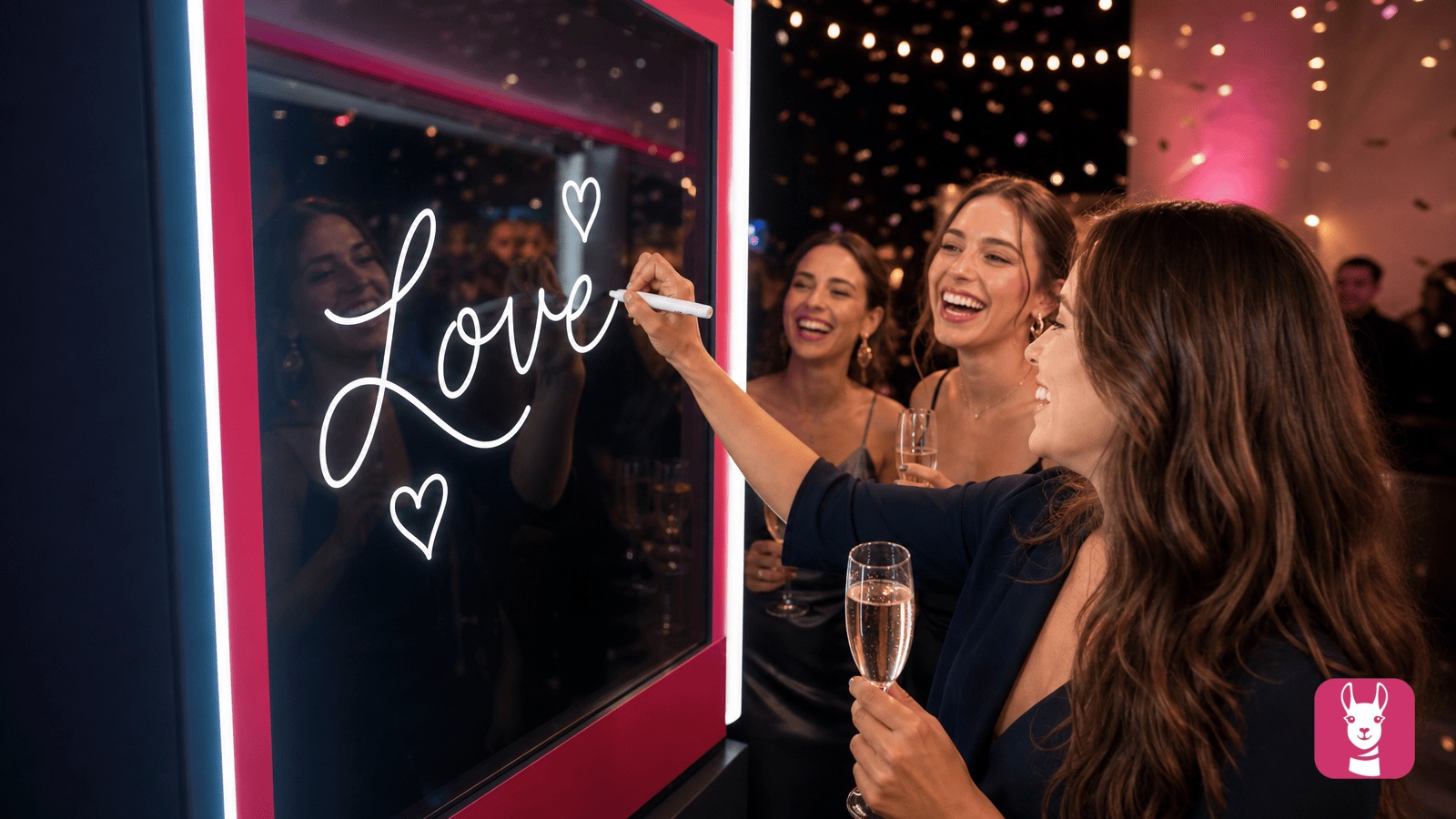
Scribble Booth: Mirrored Photos and Videos in LumaBooth for Windows 8.3.0
August 11, 2026
LumaBooth for Windows 8.3.0 adds mirrored photo and video capture for mirror and scribble booths, de...
Read More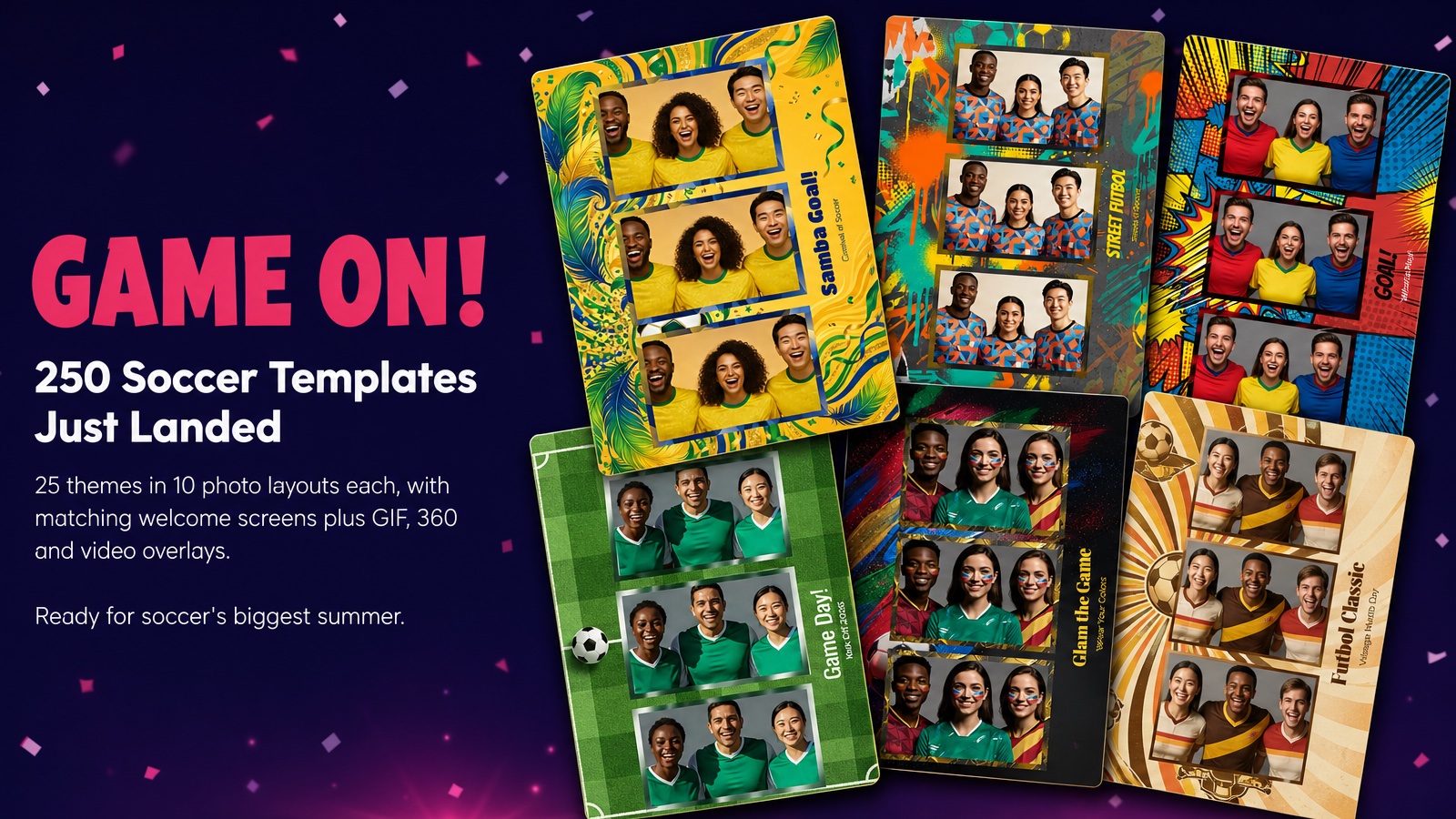
Game On! 250 Soccer Templates Just Landed
June 12, 2026
Game on! 25 soccer themes in 10 photo layouts each, with matching welcome screens and GIF, 360 and v...
Read More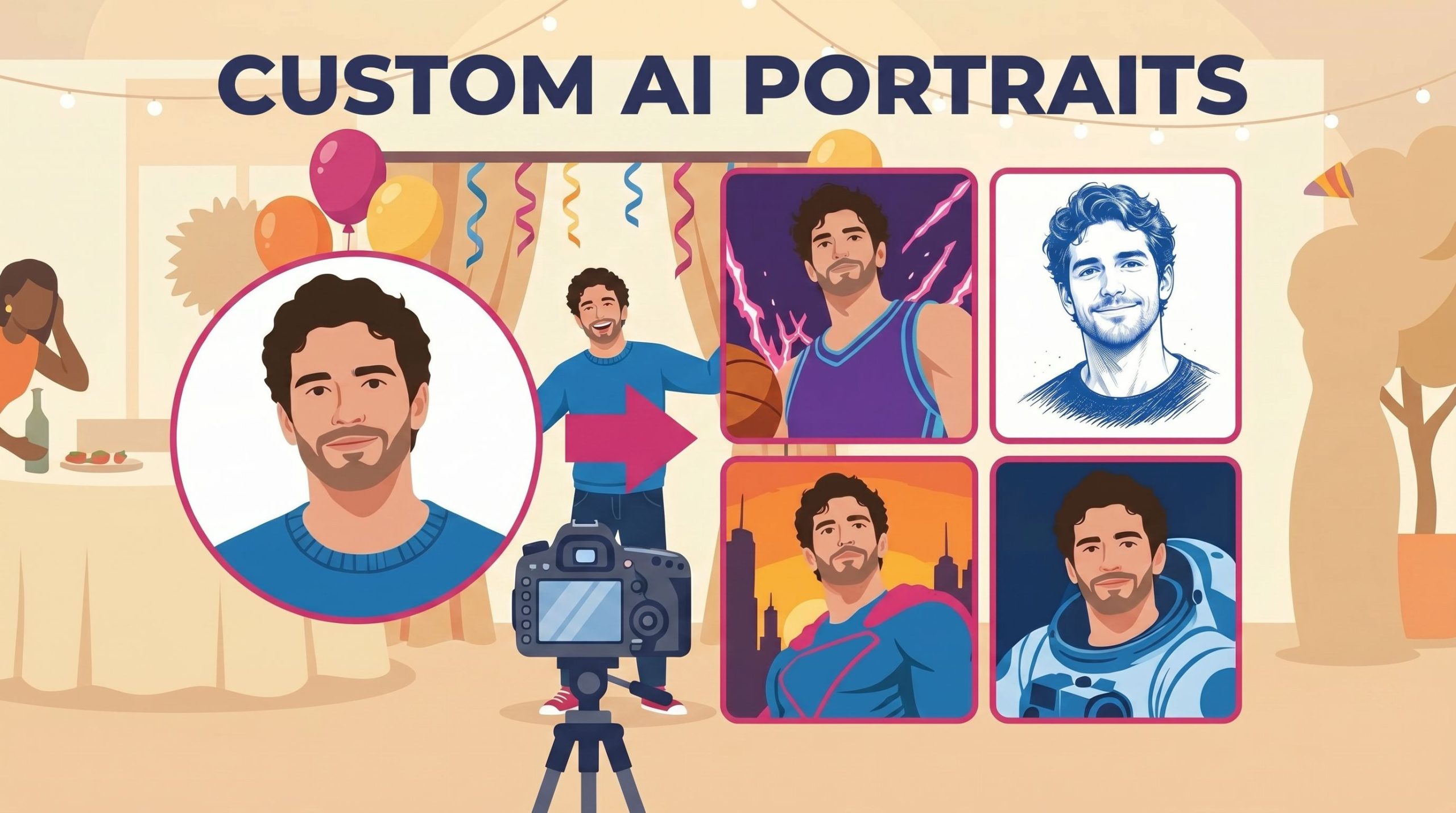
Custom AI Portraits: Build Any Look, Make It Personal
May 29, 2026
AI Portraits have been the feature your guests talk about for weeks after the event. With this relea...
Read More