August 11th, 2026
Scribble Booth: Mirrored Photos and Videos in LumaBooth for Windows 8.3.0
LumaBooth for Windows 8.3.0 is here, and it puts your guests’ point of view first. The headline feature is mirrored capture: your booth can now flip photos and videos so what prints and lands in the gallery matches exactly what guests expect to see. It arrives alongside device-specific welcome and sharing screens, corrected 360 and Slow-mo video overlays, and the biggest stability pass we have ever shipped.
See Yourself as in a Mirror
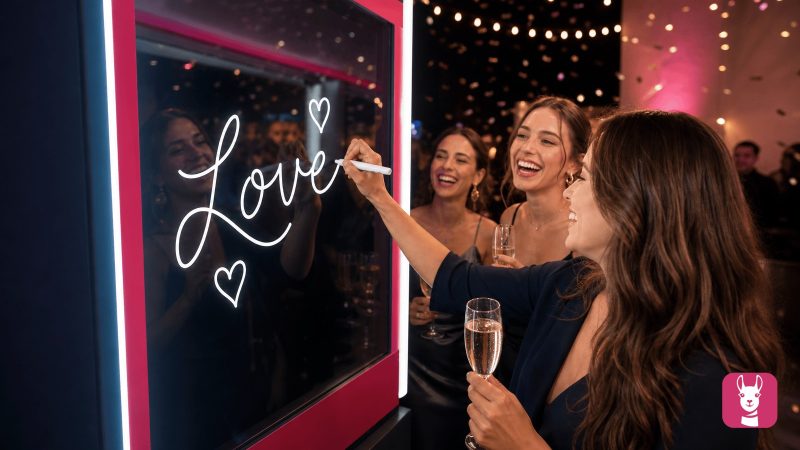
Guests trust the booth to show them the way they see themselves. With 8.3.0, you can mirror captured photos and videos to match your booth setup. Turn it on once in your capture settings and every shot and video follows automatically.
It is a natural fit for mirror booths, where guests want the final photo to match their reflection, and for scribble booths, where guests draw or sign on clear glass and the writing needs to read the right way around. No more explaining why the print looks flipped. What guests see is what they get.
Step-by-step setup, including where the switch lives and what it does and does not flip: Scribble Booth and Mirror Booth: Flip Captured Photos and Videos.
Design Screens for the Device Guests Actually Use
Welcome and sharing screens can now be designed for a phone, a tablet, or a desktop, so your layout always matches the screen in front of your guests. Your design stays put, too: the screen editor no longer resets your aspect ratio back to 16:9 after changes made in the online dashboard, and multi-monitor setups with mixed display scaling now render each screen at the correct scale.
Smoother 360 and Slow-mo Videos
The built-in video overlays (Hearts, Sparkle, Bokeh, and Stars) now appear correctly on the final 360 and Slow-mo video. The 360 and Slow-mo countdown gets its own timer, Boomerang videos apply their timeline correctly, and unsupported video formats show a clear warning instead of an error. We also added photo capture support for the Sony A7R IVA.
Printing That Keeps Up With the Party
The Print button now works on the sharing screen when a session starts from a QR code, and 2-per-page printing works with any template size instead of a fixed set. Print setup text, from the pricing message to the button label, now syncs and translates correctly in every language.
Our Biggest Stability Release Yet
Behind the scenes, 8.3.0 fixes dozens of rare crashes across startup, templates, settings, printing, and camera handling. A disconnected camera, a busy clipboard, or an event created in an older version no longer brings the app down. The booth recovers gracefully or shows a clear message, so your event keeps rolling.
Available Now
LumaBooth for Windows 8.3.0 is available now. Open the app and update, or download the latest version from our website. For the complete list of changes, see the full release notes.
Related Articles
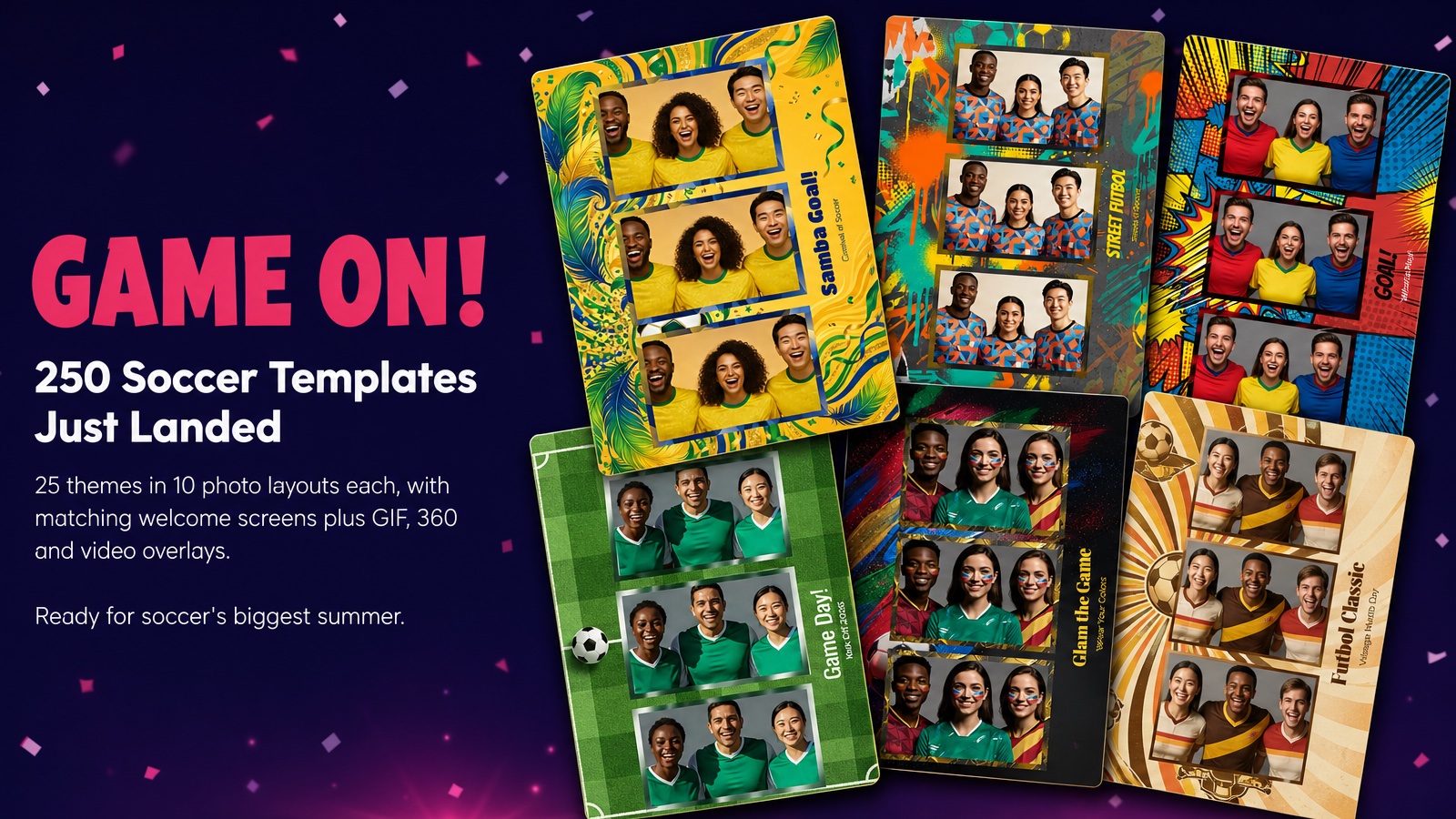
Game On! 250 Soccer Templates Just Landed
June 12, 2026
Game on! 25 soccer themes in 10 photo layouts each, with matching welcome screens and GIF, 360 and v...
Read More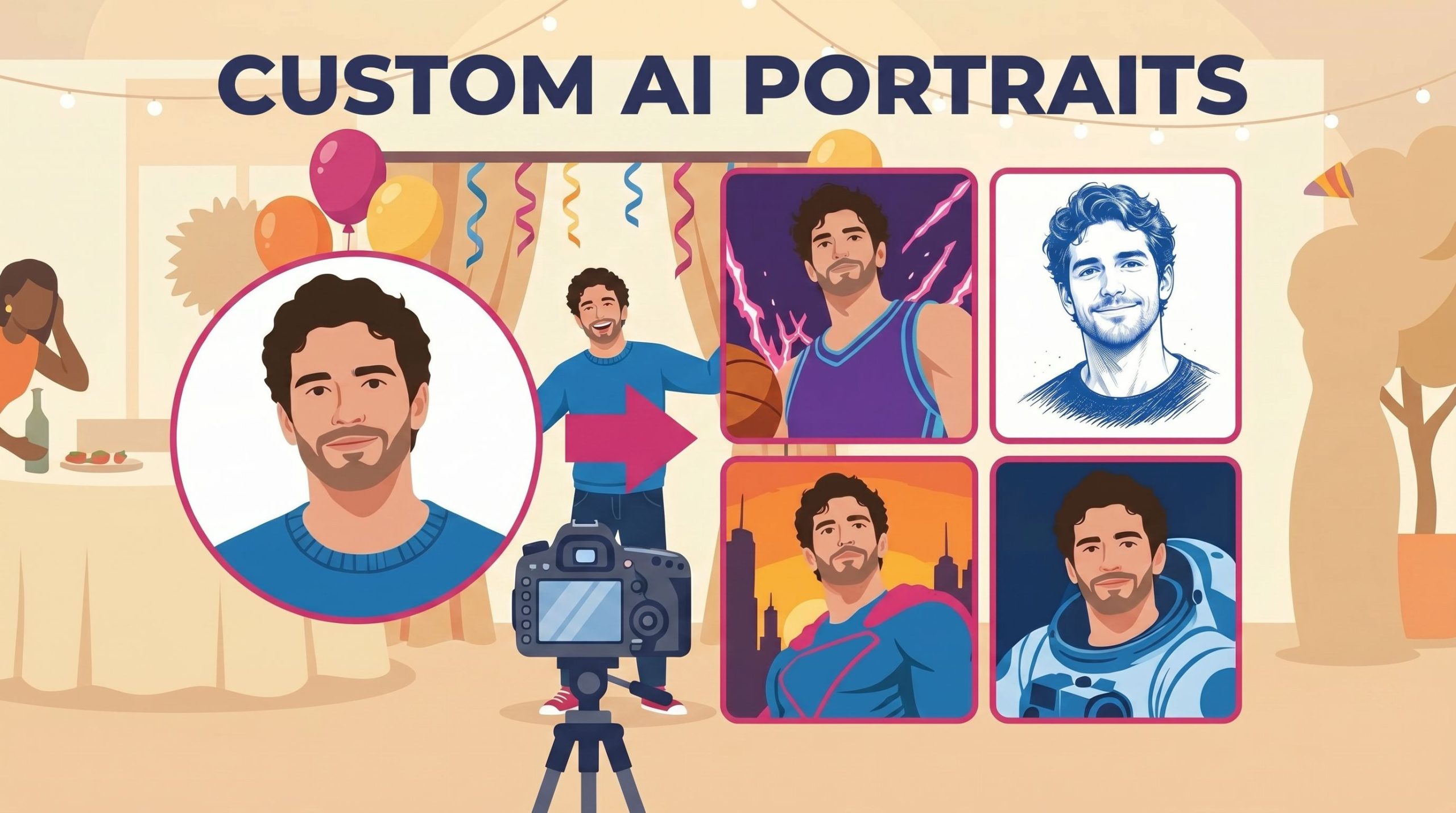
Custom AI Portraits: Build Any Look, Make It Personal
May 29, 2026
AI Portraits have been the feature your guests talk about for weeks after the event. With this relea...
Read More
dslrBooth is Now LumaBooth for Windows: Introducing Version 8.0
March 24, 2026
If you have been running dslrBooth at weddings, corporate events, birthday parties, and celebrations...
Read More