
October 7th, 2013
Win v.2.6.1.7 – Powerful Built-In Template Editor
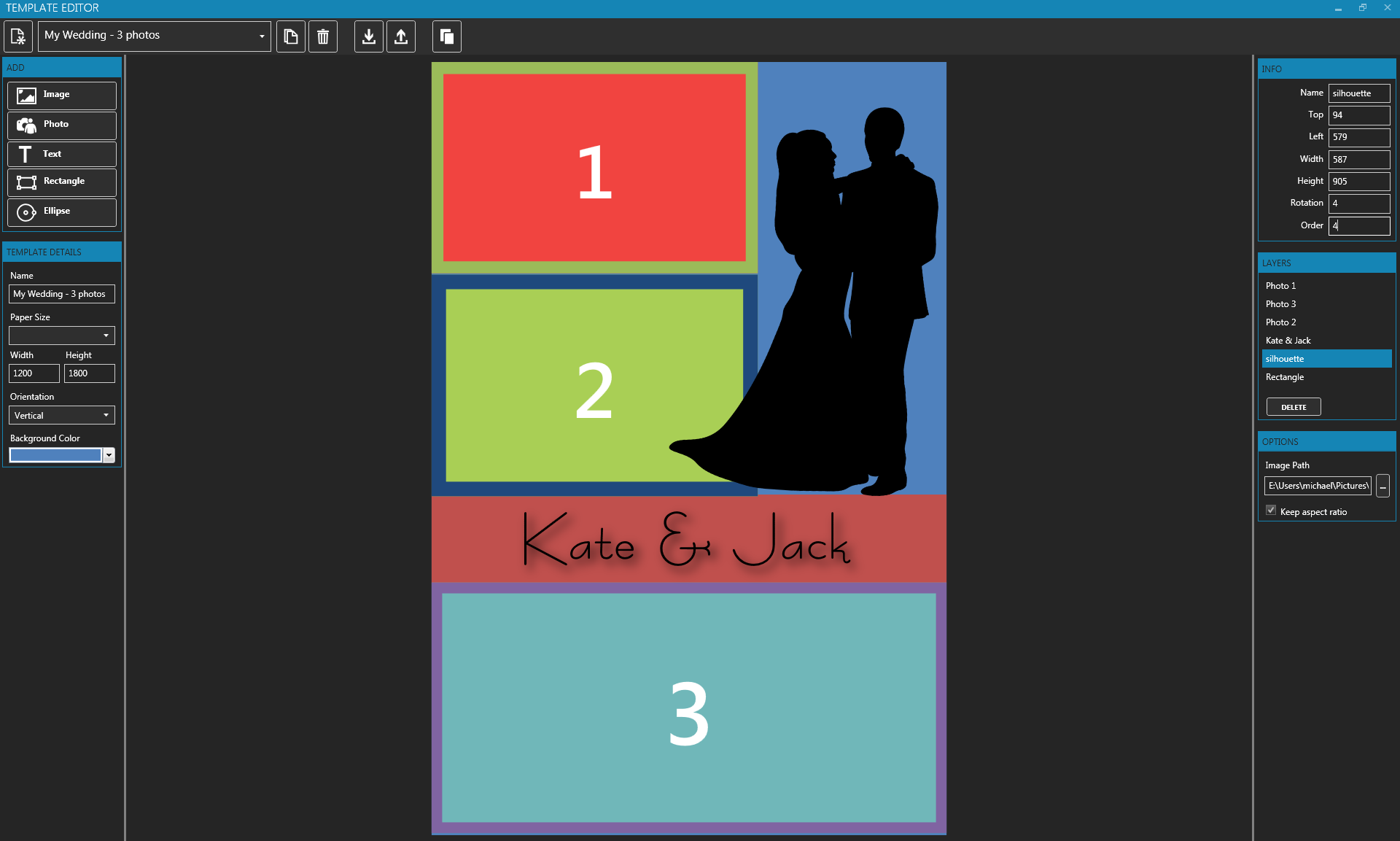
dslrBooth for Windows now includes a powerful Template Editor to allow you to customize your prints without having to resort to 3rd party imaging software such as Photoshop. This makes the process of customizing your prints a painless one. You can add photos, images, text, shapes, borders, and shadows. We’ve also released a video tutorial on how to use the new Template Editor.
This is a free update for all our existing users. Just restart dslrBooth to get the update.
For users who have created overlays to use in our older editions, click on Branding, choose the matching template, then Add Image, select your overlay and you’re done.
For users who created custom layouts in older editions, you can import them by opening up Branding then clicking on the Import icon in the toolbar, browse for your photos which is usually under My Pictures\dslrBooth\Layouts\ and import it.
As always, we’re aiming to make dslrBooth as intuitive and easy to use as possible for everyone. We hope you enjoy this new feature.
Related Articles

Scribble Booth: Mirrored Photos and Videos in LumaBooth for Windows 8.3.0
August 11, 2026
LumaBooth for Windows 8.3.0 adds mirrored photo and video capture for mirror and scribble booths, de...
Read More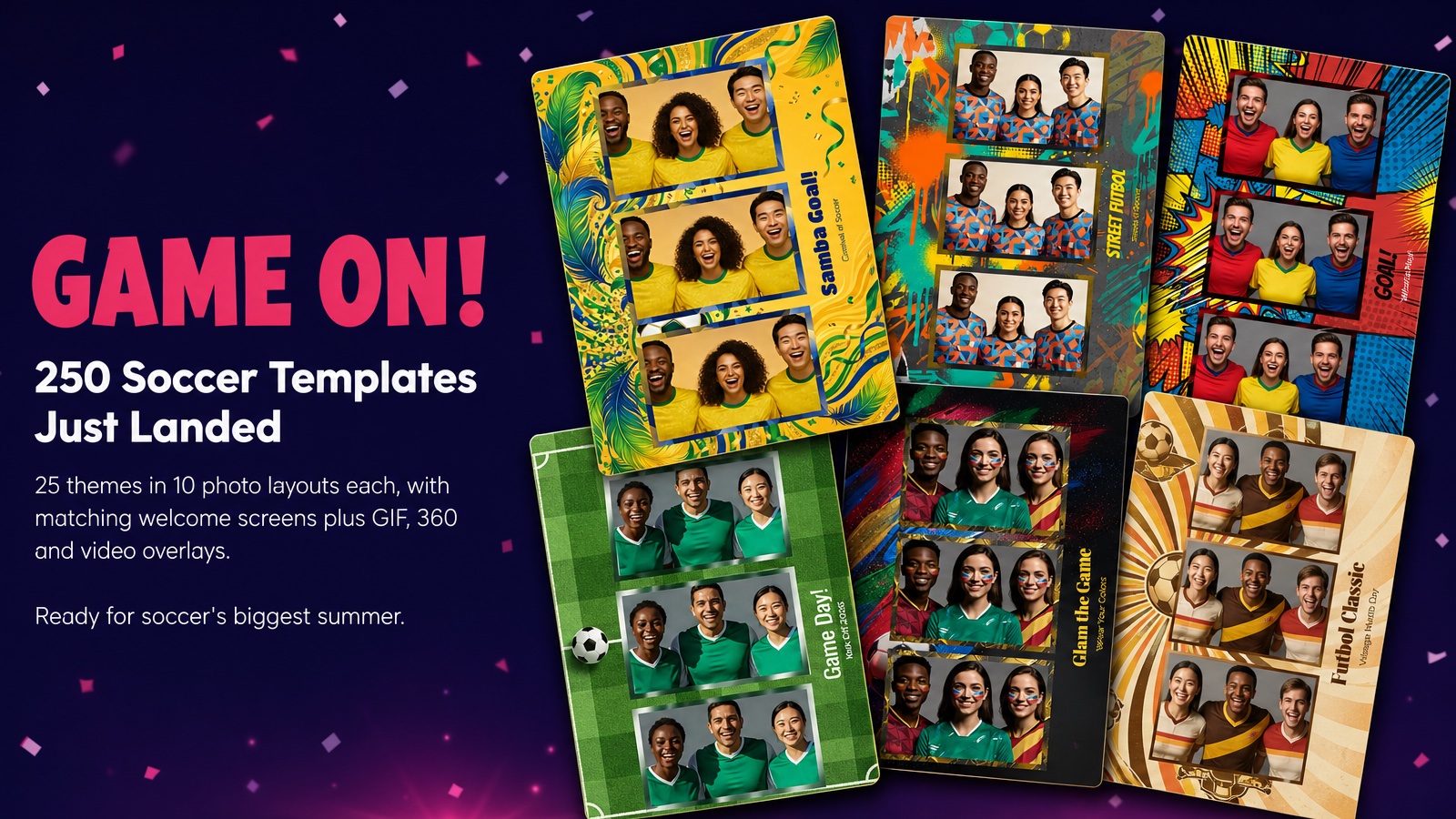
Game On! 250 Soccer Templates Just Landed
June 12, 2026
Game on! 25 soccer themes in 10 photo layouts each, with matching welcome screens and GIF, 360 and v...
Read More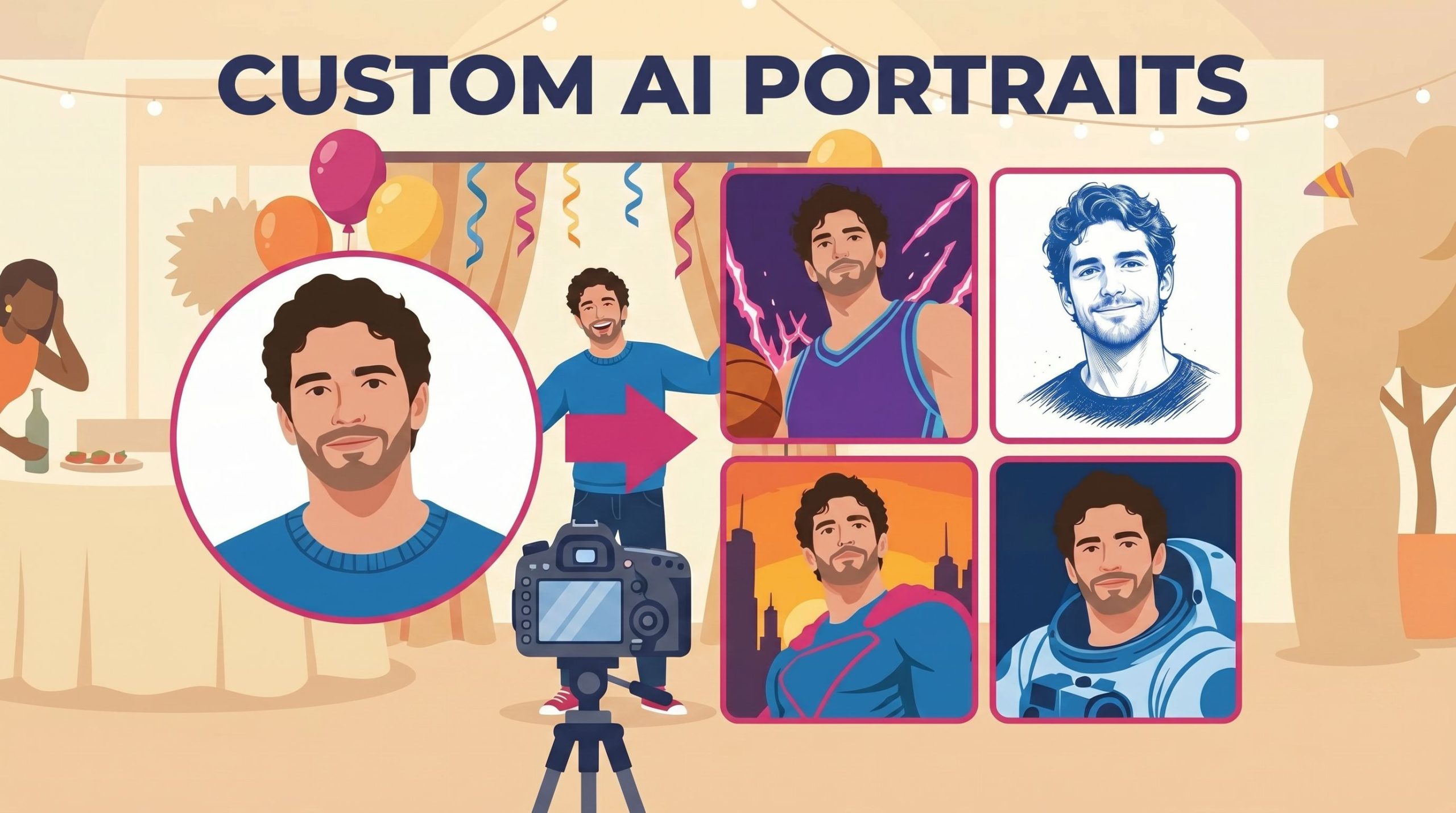
Custom AI Portraits: Build Any Look, Make It Personal
May 29, 2026
AI Portraits have been the feature your guests talk about for weeks after the event. With this relea...
Read More