
November 13th, 2012
Release Notes – v1.4.0.0 for Windows – Windows 8 Support
 We have had several people ask whether dslrBooth works on Windows 8 or not and we actually weren’t sure of the answer. We’ve been doing some testing and have made a few tweaks and the latest version is now fully compatible with Windows 8 with one minor caveat.
Windows 8 has a new feature called SmartScreen which is meant to help in preventing installation of malware. Microsoft was quite zealous though and decided to categorize all new windows 8 software as risky software and shows users an information message that it prevented an unrecognized app from starting. We have done everything we can to avoid this warning but until Microsoft has some mercy on us independent software developers, users will have to go through this warning. To bypass the warning, all you have to do is click on More info and click Run anyway. You’ll see the publisher as Hope Pictures which is our parent company which is perfectly fine. Our software is digitally signed to prevent against being altered by anyone so rest assured the software you download from us is 100% safe. It’s a bit annoying that users have to go through this but pretty easy to get around.
Related Articles

Scribble Booth: Mirrored Photos and Videos in LumaBooth for Windows 8.3.0
August 11, 2026
LumaBooth for Windows 8.3.0 adds mirrored photo and video capture for mirror and scribble booths, de...
Read More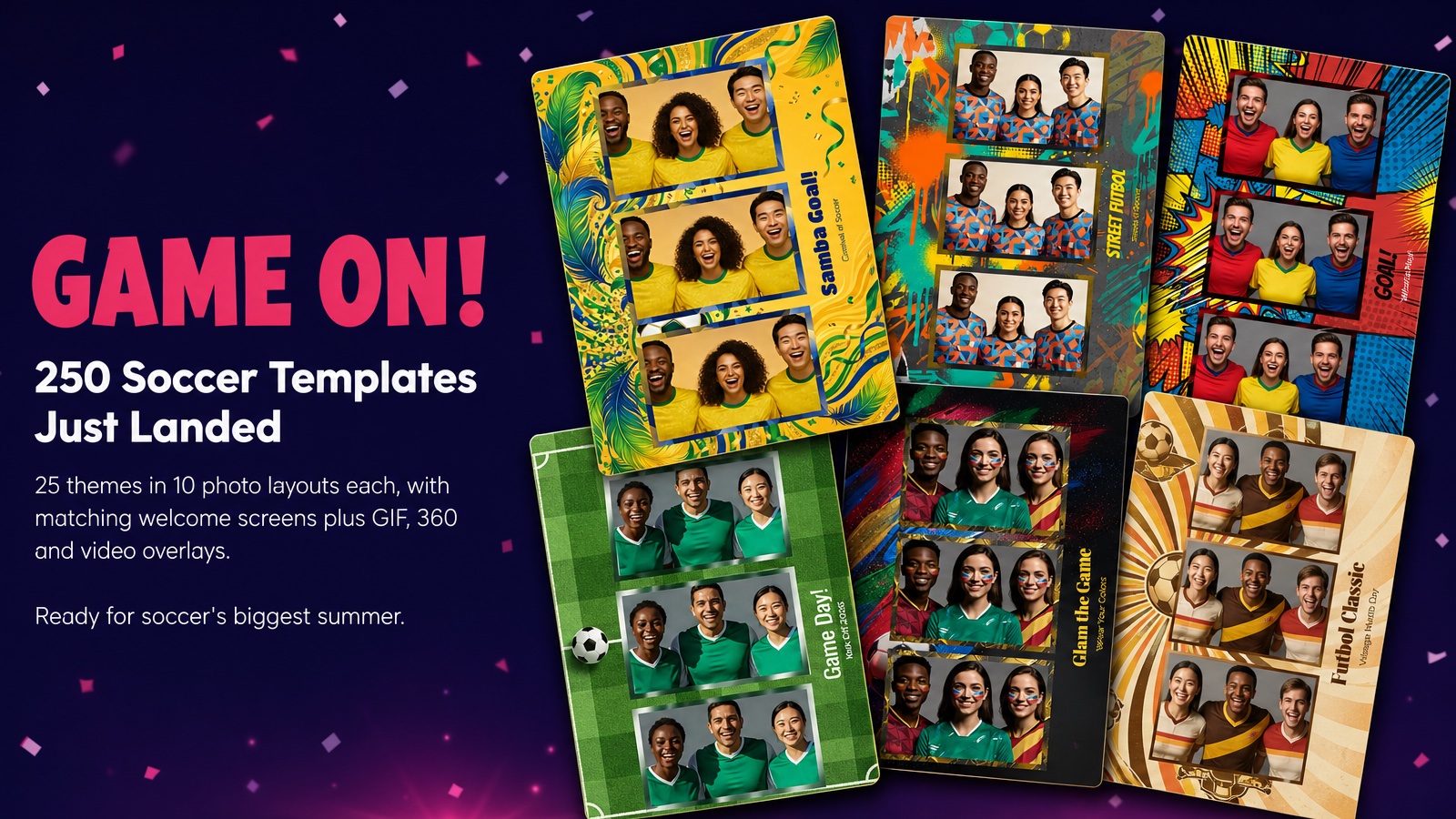
Game On! 250 Soccer Templates Just Landed
June 12, 2026
Game on! 25 soccer themes in 10 photo layouts each, with matching welcome screens and GIF, 360 and v...
Read More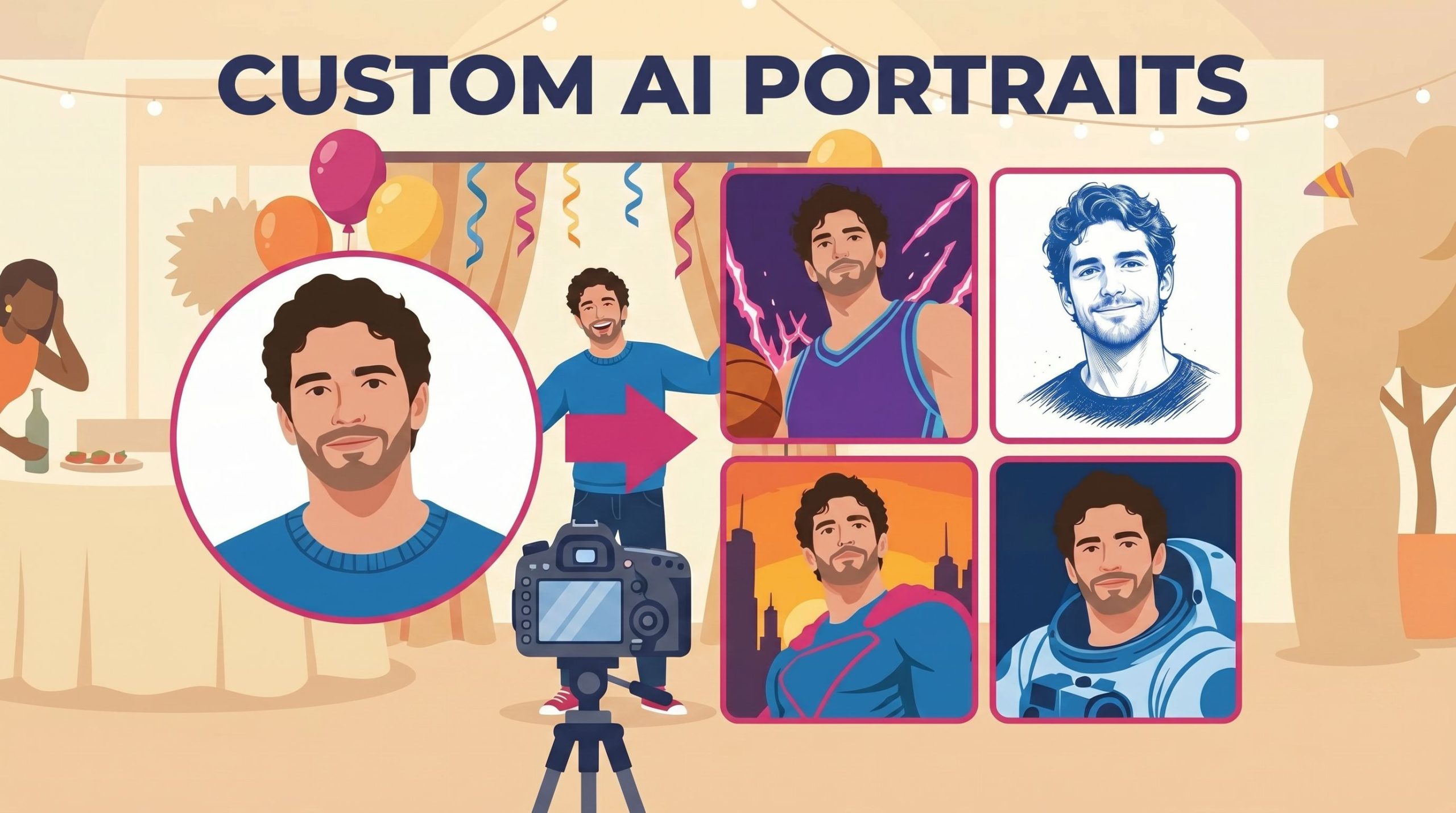
Custom AI Portraits: Build Any Look, Make It Personal
May 29, 2026
AI Portraits have been the feature your guests talk about for weeks after the event. With this relea...
Read More