
November 7th, 2012
Release Notes – v1.3.0.2 for Windows
We’ve improved setting printer settings by adding a new menu item for Print Settings. You can now easily and quickly pick printer, paper size, orientation instead of having to go to the control panel to do this. Also, dslrBooth no longer overwrites your chosen paper size. This is useful for those that are using commercial photo booth printers that would like to use the 2×6 cutting feature by changing the paper size. Printer settings are stored across restarts so set them up once and forget about them if you’re not changing your layout. We’re all about streamlining things in case you haven’t noticed 🙂
Related Articles
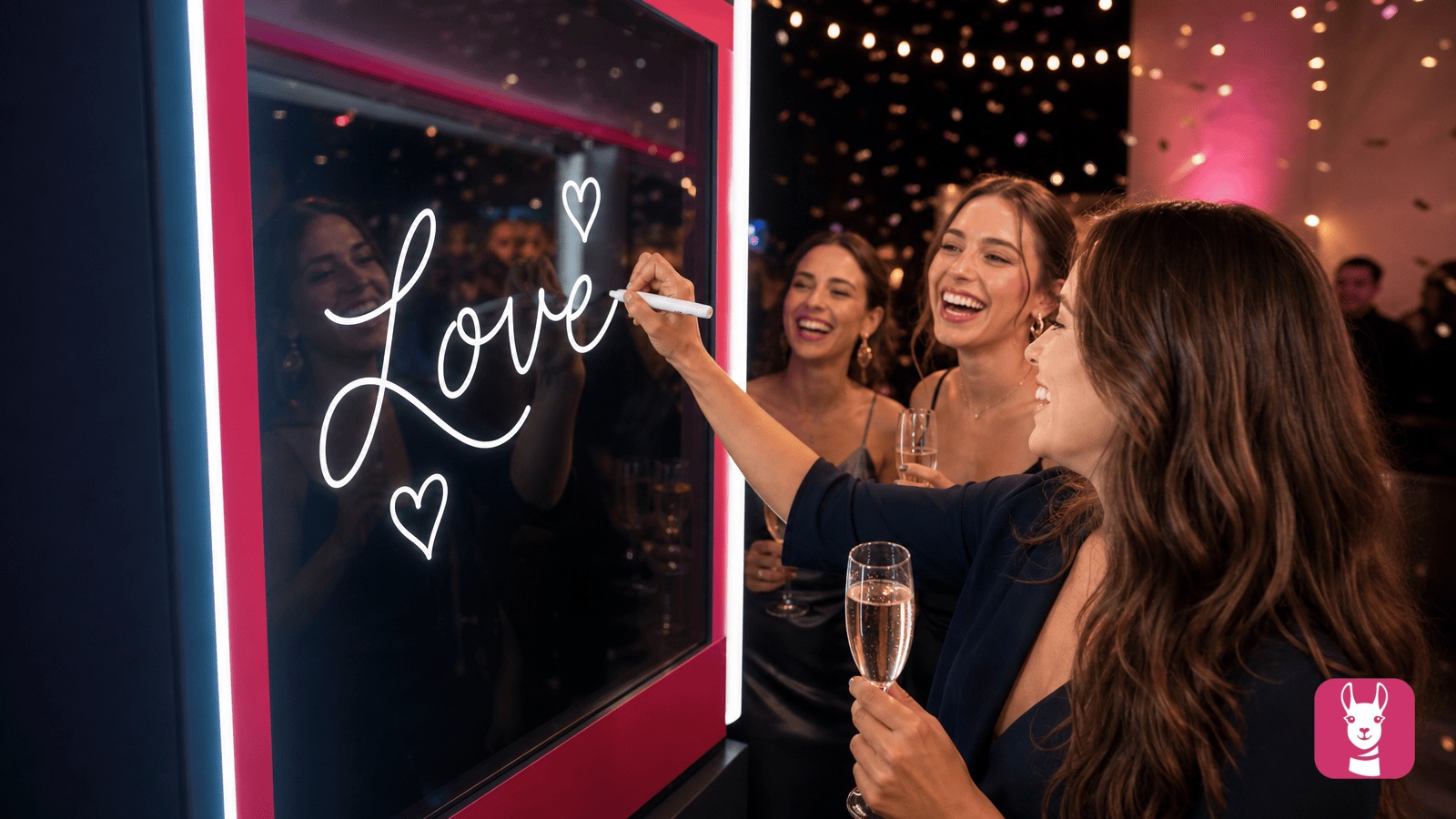
Scribble Booth: Mirrored Photos and Videos in LumaBooth for Windows 8.3.0
August 11, 2026
LumaBooth for Windows 8.3.0 adds mirrored photo and video capture for mirror and scribble booths, de...
Read More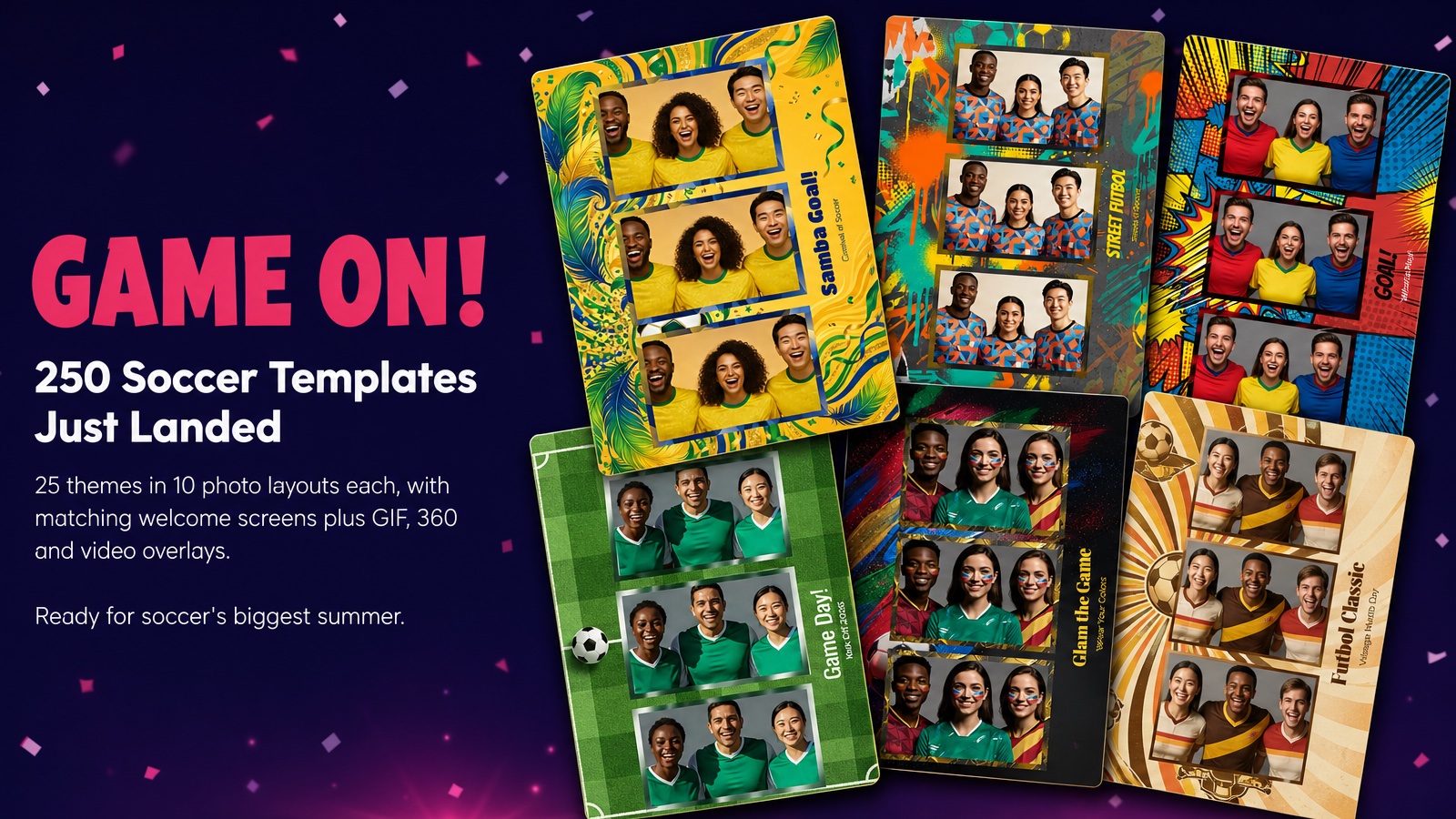
Game On! 250 Soccer Templates Just Landed
June 12, 2026
Game on! 25 soccer themes in 10 photo layouts each, with matching welcome screens and GIF, 360 and v...
Read More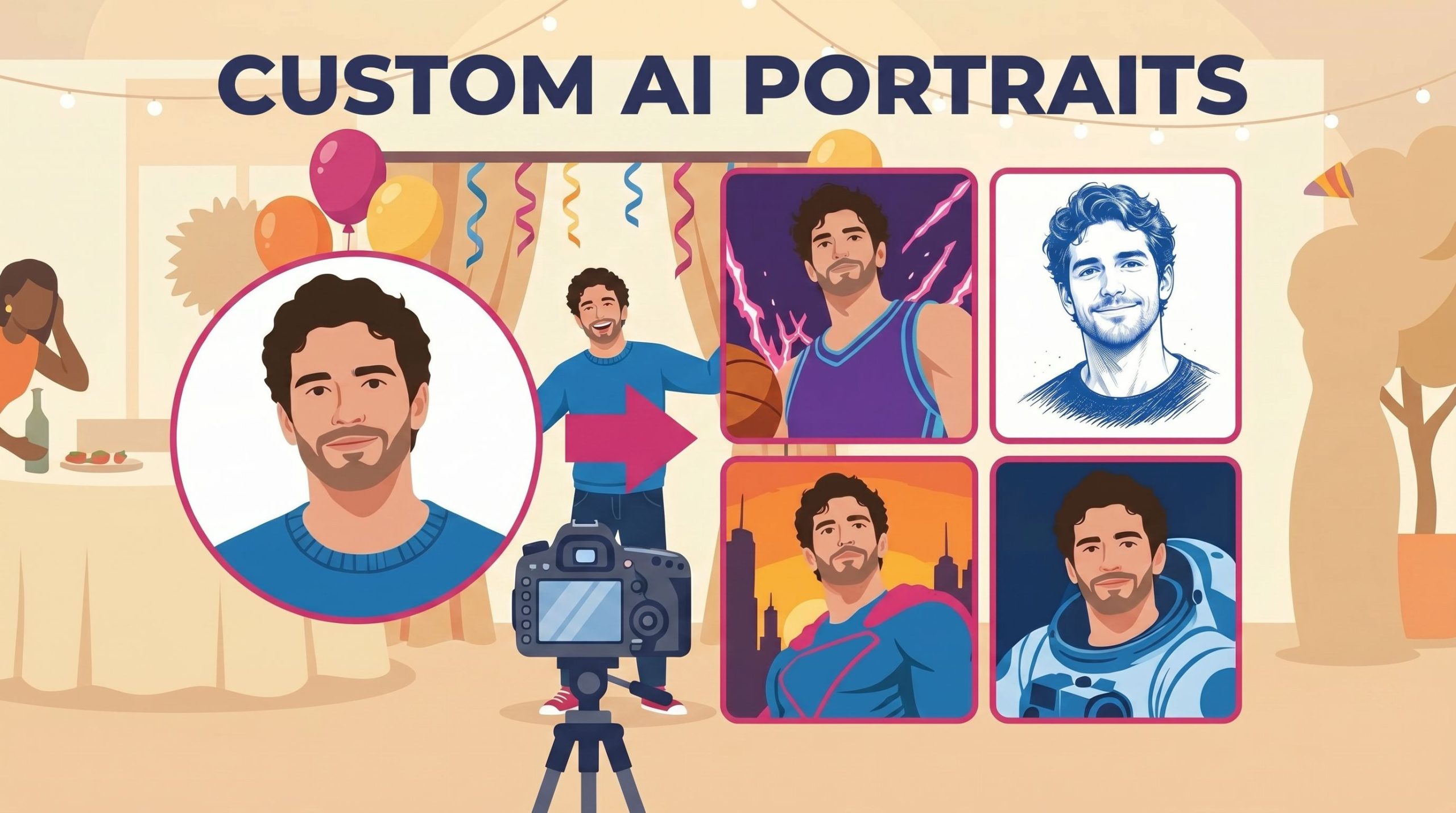
Custom AI Portraits: Build Any Look, Make It Personal
May 29, 2026
AI Portraits have been the feature your guests talk about for weeks after the event. With this relea...
Read More