
November 30th, 2015
dslrBooth for Windows v4.11.31.1
We would first like to thank our customers for making dslrBooth what it is today. dslrBooth would not be what it is today without your support and feedback.
Here are the updates for this release:
- Improve green screen removal in auto mode.
- Ability to make photo larger than green screen background.
- Add On-Screen keyboard in different languages for Windows 8 and Windows 10
- Default keyboard to numeric keypad when sending SMS on Windows 8/10.
- Add setting for Maximum Number of Prints Per Session (Settings, Printing).
- Add keyboard shortcuts for printing multiple copies (use CTRL + 1 to 9 keys).
- Add shortcut for starting video session (v).
- Speed up loading of settings.
- Archive raw images that sometimes were not getting archived.
Related Articles
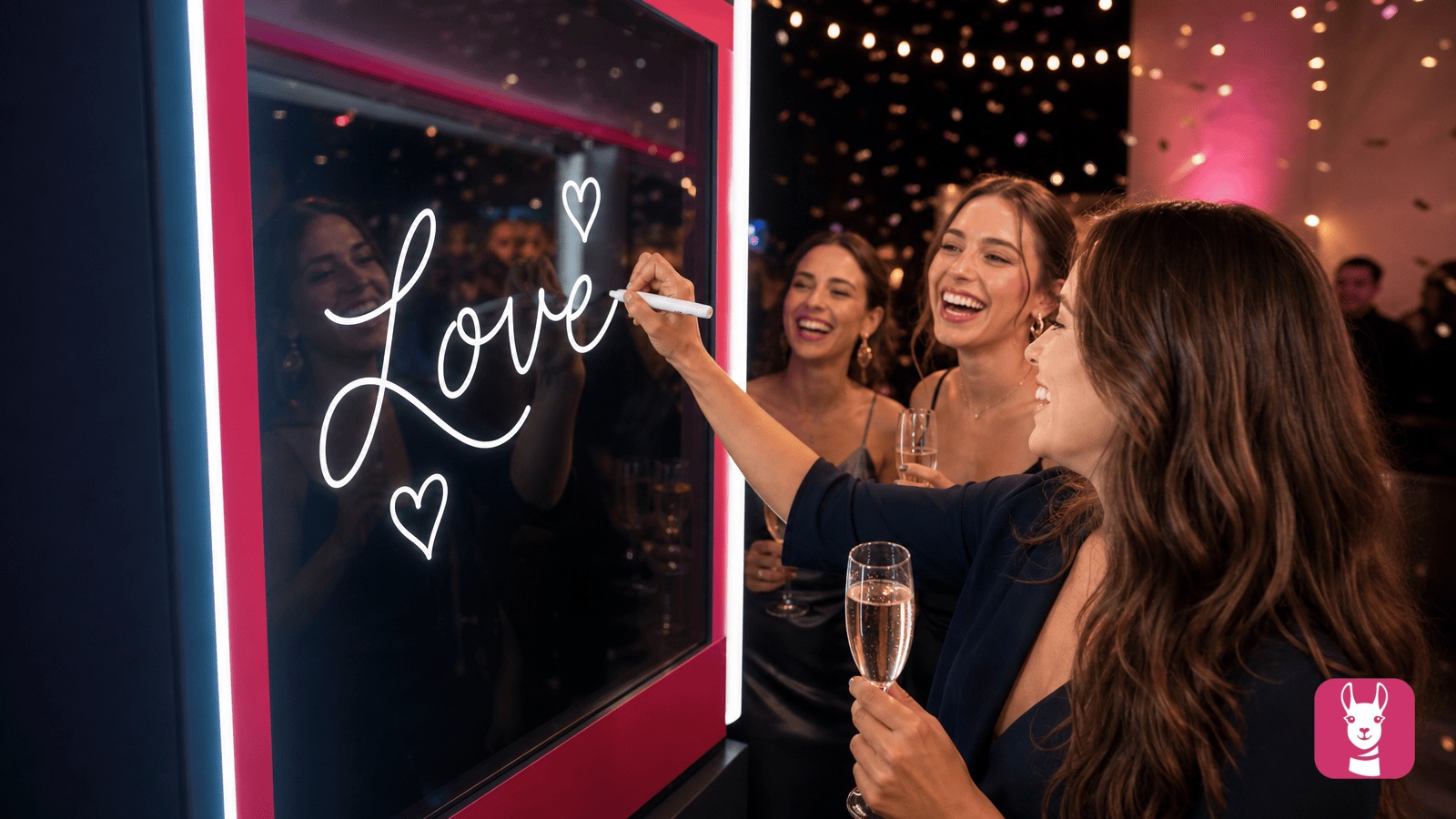
Scribble Booth: Mirrored Photos and Videos in LumaBooth for Windows 8.3.0
August 11, 2026
LumaBooth for Windows 8.3.0 adds mirrored photo and video capture for mirror and scribble booths, de...
Read More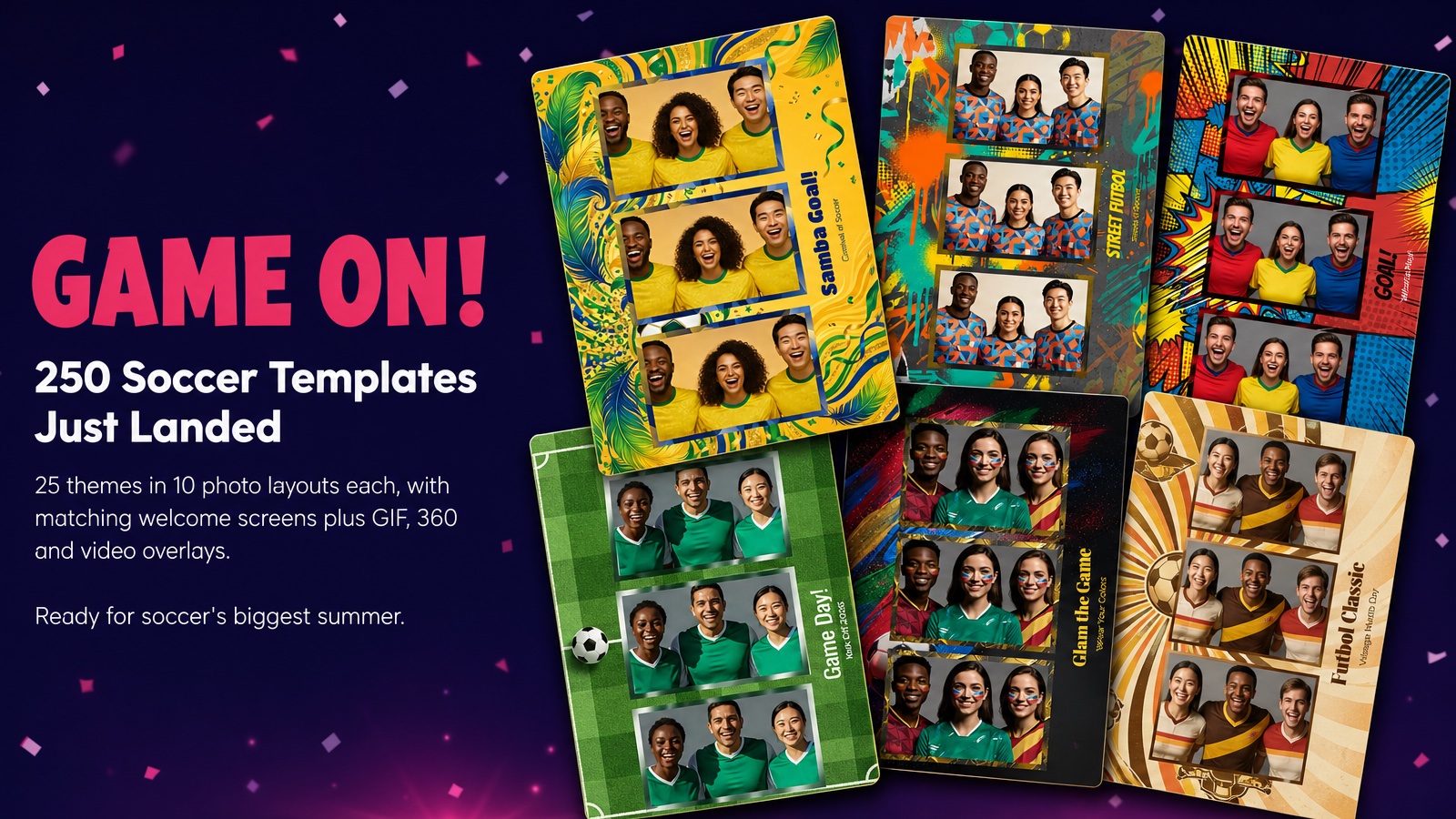
Game On! 250 Soccer Templates Just Landed
June 12, 2026
Game on! 25 soccer themes in 10 photo layouts each, with matching welcome screens and GIF, 360 and v...
Read More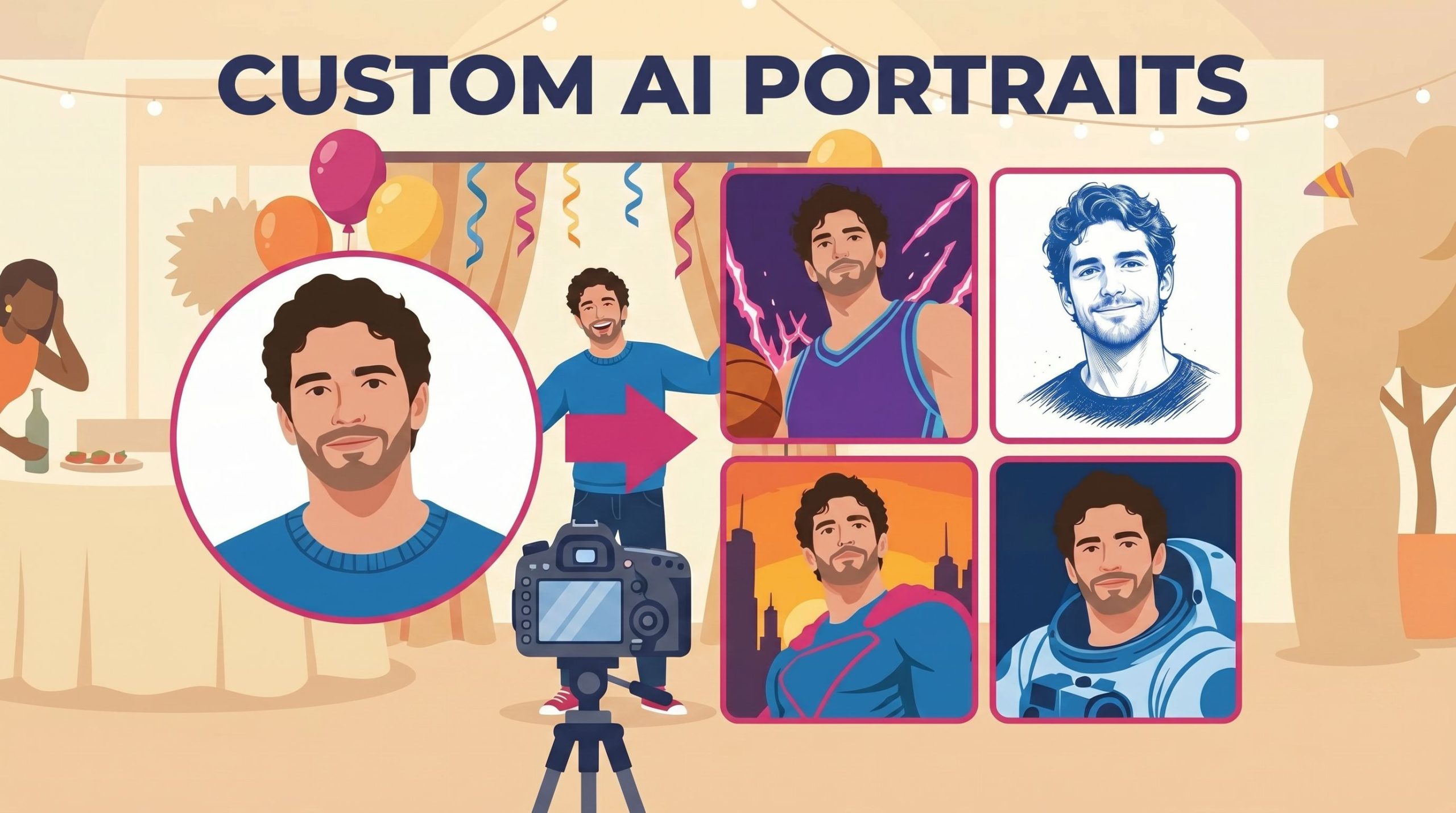
Custom AI Portraits: Build Any Look, Make It Personal
May 29, 2026
AI Portraits have been the feature your guests talk about for weeks after the event. With this relea...
Read More