
October 6th, 2014
dslrBooth for Windows v3.10.6.1 – Camera Setup Wizard
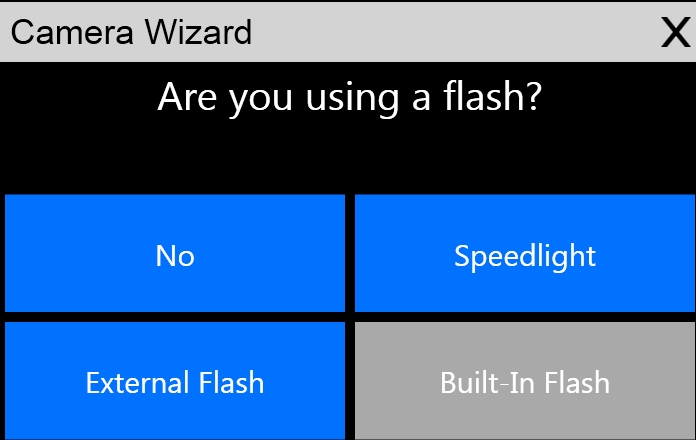
DSLR cameras are awesome, but for many, they have way too many settings that it gets overwhelming. Here at dslrBooth, we’re all about making running your own photo booth a breeze. To that effect, this update brings an awesome camera wizard that will guide you to set up your dslr camera to take properly exposed photos that are neither too bright or too dark. Whether you’re not using a flash or you’re using an on-camera flash or an external flash, our wizard will guide you and even automatically change the camera settings for you to optimal settings to make sure that your photos look their best.
Download the latest version from dslrbooth.com/download or simply startup dslrBooth and agree to install the update.
This release also contains minor bug fixes as well as the following:
- Add option to turn off/on live view auto exposure to accommodate really old Canon dslr cameras.
- Experimental support for live view on Nikon Df. If you’re using one, contact us and let us know how it’s working for you.
Related Articles

Scribble Booth: Mirrored Photos and Videos in LumaBooth for Windows 8.3.0
August 11, 2026
LumaBooth for Windows 8.3.0 adds mirrored photo and video capture for mirror and scribble booths, de...
Read More
Game On! 250 Soccer Templates Just Landed
June 12, 2026
Game on! 25 soccer themes in 10 photo layouts each, with matching welcome screens and GIF, 360 and v...
Read More
Custom AI Portraits: Build Any Look, Make It Personal
May 29, 2026
AI Portraits have been the feature your guests talk about for weeks after the event. With this relea...
Read More